Subjects
Learn & Earn AI & Automation Market & Grow Build with Code Idea to App Design & Brand Create & Influence Data & Analytics Study Beyond Borders English & IELTS Career & Growth Sell & Scale Learn & Earn AI & Automation Market & Grow Build with Code Idea to App Design & Brand Create & Influence Data & Analytics Study Beyond Borders English & IELTS Career & Growth Sell & Scale
AI & Automation Demand tier: A

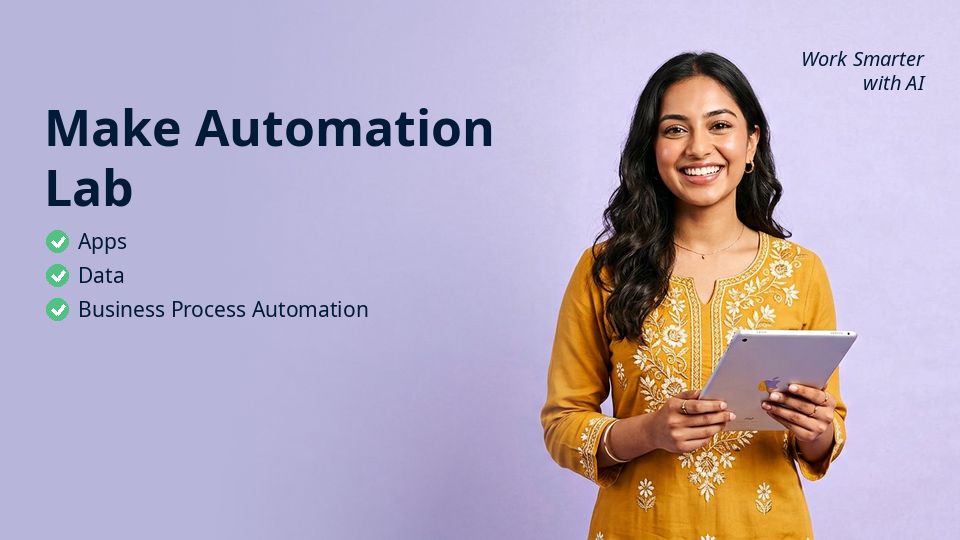
Make Automation Lab

Apps, Data & Business Process Automation

4.5 (479 Reviews) · 3,999 students
ByTamim Iqbal AI & Automation Specialist · n8n Ambassador
12 Modules · 58 Lessons 14 hours on-demand video Intermediate Bangla & English Lifetime Access Certificate included
৳ 2,990

7-day money-back guarantee

Make Automation Lab Watch preview

About This Course

Make Automation Lab is a complete, project-based course — Apps, Data & Business Process Automation. It is built for learners in Bangladesh who want practical skills that translate into real income, real jobs and real opportunities, and it works just as well for learners anywhere in the world.

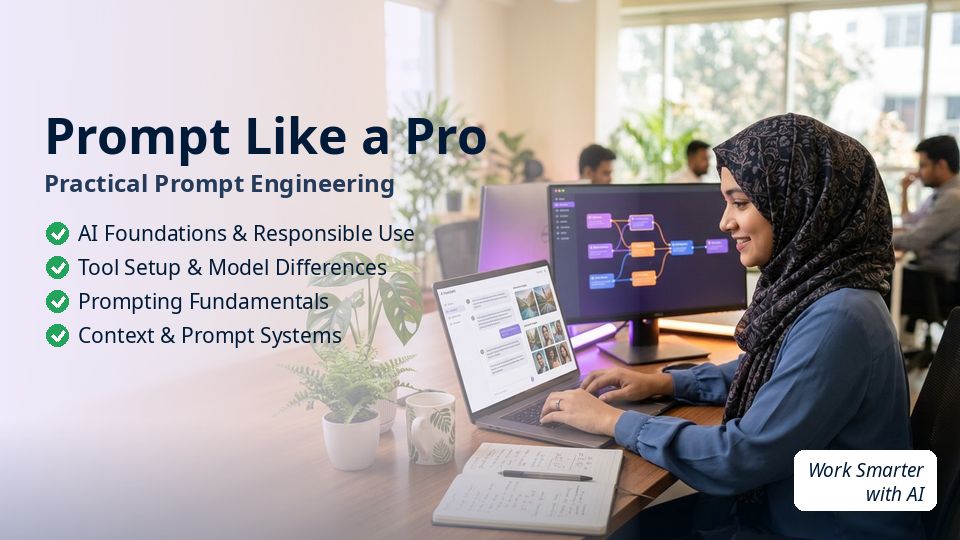
Across 12 modules and 58 lessons (about 14 hours), you will work through AI Foundations & Responsible Use, Tool Setup & Model Differences, Prompting Fundamentals, Context & Prompt Systems and more. Every chapter follows the same rhythm: key concepts, a hands-on step-by-step demo, applying it to your own project, and a real-world practice task.

The course is available in both Bangla and English with lifetime access, downloadable resources and a verifiable certificate on completion. You can ask mentors questions in the community at any time.

What You'll Learn

  • Master aI Foundations & Responsible Use — from concept to real application
  • Master tool Setup & Model Differences — from concept to real application
  • Master prompting Fundamentals — from concept to real application
  • Master context & Prompt Systems — from concept to real application
  • Master research & Fact-Checking — from concept to real application
  • Master writing & Productivity — from concept to real application
  • Build real projects and portfolio pieces as you learn
  • Follow a clear next-step roadmap to jobs, clients or income

Requirements

  • A laptop or smartphone with internet
  • No prior experience needed — we start from zero
  • Willingness to practise 30–45 minutes a day

Who this course is for

  • Professionals who want to work faster with AI
  • Freelancers adding AI services to their offer
  • Business owners who want to automate repetitive work

Course Content

12 modules · 19 chapters · 58 lessons · 14 hours total
1 AI Foundations & Responsible Use 7 Lessons · 1h 40m
Chapter 1.1 AI Foundations & Responsible Use: Concept & Why It Matters
AI Foundations & Responsible Use — key concepts for Make Automation Lab Preview 9m Hands-on: AI Foundations & Responsible Use step-by-step Preview 19m
Apply it to: Apps, Data & Business Process Automation 13m
Real-world case / practice task 15m
Chapter 1.2 AI Foundations & Responsible Use: Setup / Framework
AI Foundations & Responsible Use — key concepts for Make Automation Lab 10m
Hands-on: AI Foundations & Responsible Use step-by-step 16m
Apply it to: Apps, Data & Business Process Automation 18m
2 Tool Setup & Model Differences 6 Lessons · 1h 29m
Chapter 2.1 Tool Setup & Model Differences: Setup / Framework
Tool Setup & Model Differences — key concepts for Make Automation Lab 12m
Hands-on: Tool Setup & Model Differences step-by-step 10m
Apply it to: Apps, Data & Business Process Automation 20m
Chapter 2.2 Tool Setup & Model Differences: Hands-on Workflow
Tool Setup & Model Differences — key concepts for Make Automation Lab 19m
Hands-on: Tool Setup & Model Differences step-by-step 9m
Apply it to: Apps, Data & Business Process Automation 19m
3 Prompting Fundamentals 6 Lessons · 1h 41m
Chapter 3.1 Prompting Fundamentals: Hands-on Workflow
Prompting Fundamentals — key concepts for Make Automation Lab 19m
Hands-on: Prompting Fundamentals step-by-step 9m
Apply it to: Apps, Data & Business Process Automation 19m
Chapter 3.2 Prompting Fundamentals: Real-World Example
Prompting Fundamentals — key concepts for Make Automation Lab 16m
Hands-on: Prompting Fundamentals step-by-step 18m
Apply it to: Apps, Data & Business Process Automation 20m
4 Context & Prompt Systems 6 Lessons · 1h 17m
Chapter 4.1 Context & Prompt Systems: Real-World Example
Context & Prompt Systems — key concepts for Make Automation Lab 10m
Hands-on: Context & Prompt Systems step-by-step 20m
Apply it to: Apps, Data & Business Process Automation 18m
Chapter 4.2 Context & Prompt Systems: Mistakes & Troubleshooting
Context & Prompt Systems — key concepts for Make Automation Lab 9m
Hands-on: Context & Prompt Systems step-by-step 11m
Apply it to: Apps, Data & Business Process Automation 9m
5 Research & Fact-Checking 6 Lessons · 1h 17m
Chapter 5.1 Research & Fact-Checking: Mistakes & Troubleshooting
Research & Fact-Checking — key concepts for Make Automation Lab 9m
Hands-on: Research & Fact-Checking step-by-step 19m
Apply it to: Apps, Data & Business Process Automation 9m
Chapter 5.2 Research & Fact-Checking: Optimization / Advanced Practice
Research & Fact-Checking — key concepts for Make Automation Lab 18m
Hands-on: Research & Fact-Checking step-by-step 12m
Apply it to: Apps, Data & Business Process Automation 10m
6 Writing & Productivity 6 Lessons · 1h 33m
Chapter 6.1 Writing & Productivity: Optimization / Advanced Practice
Writing & Productivity — key concepts for Make Automation Lab 16m
Hands-on: Writing & Productivity step-by-step 14m
Apply it to: Apps, Data & Business Process Automation 20m
Chapter 6.2 Writing & Productivity: Concept & Why It Matters
Writing & Productivity — key concepts for Make Automation Lab 11m
Hands-on: Writing & Productivity step-by-step 17m
Apply it to: Apps, Data & Business Process Automation 15m
7 Documents & Data 6 Lessons · 1h 25m
Chapter 7.1 Documents & Data: Concept & Why It Matters
Documents & Data — key concepts for Make Automation Lab 15m
Hands-on: Documents & Data step-by-step 9m
Apply it to: Apps, Data & Business Process Automation 11m
Chapter 7.2 Documents & Data: Setup / Framework
Documents & Data — key concepts for Make Automation Lab 20m
Hands-on: Documents & Data step-by-step 10m
Apply it to: Apps, Data & Business Process Automation 20m
8 Image/Multimodal Workflows 3 Lessons · 40m
Chapter 8.1 Image/Multimodal Workflows: Setup / Framework
Image/Multimodal Workflows — key concepts for Make Automation Lab 10m
Hands-on: Image/Multimodal Workflows step-by-step 12m
Apply it to: Apps, Data & Business Process Automation 18m
9 Content Production 3 Lessons · 41m
Chapter 9.1 Content Production: Hands-on Workflow
Content Production — key concepts for Make Automation Lab 13m
Hands-on: Content Production step-by-step 15m
Apply it to: Apps, Data & Business Process Automation 13m
10 Business Workflows 3 Lessons · 42m
Chapter 10.1 Business Workflows: Real-World Example
Business Workflows — key concepts for Make Automation Lab 12m
Hands-on: Business Workflows step-by-step 10m
Apply it to: Apps, Data & Business Process Automation 20m
11 Automation Concepts 3 Lessons · 50m
Chapter 11.1 Automation Concepts: Mistakes & Troubleshooting
Automation Concepts — key concepts for Make Automation Lab 12m
Hands-on: Automation Concepts step-by-step 18m
Apply it to: Apps, Data & Business Process Automation 20m
12 Capstone & Updates 3 Lessons · 41m
Chapter 12.1 Capstone & Updates: Optimization / Advanced Practice
Capstone & Updates — key concepts for Make Automation Lab 13m
Hands-on: Capstone & Updates step-by-step 19m
Apply it to: Apps, Data & Business Process Automation 9m

About the instructor

Tamim Iqbal

Tamim Iqbal

AI & Automation Specialist · n8n Ambassador
4.8 Rating 12,600 students 12 Courses

Tamim builds AI agents and automation systems for startups in Dhaka, Singapore and Berlin. He makes ChatGPT, Claude, Gemini and n8n practical for non-technical professionals.

More from this instructor

Reviews

4.5479 Reviews
5 ★
71%
4 ★
21%
3 ★
6%
2 ★
1%
1 ★
1%

No reviews yet. Be the first to review!

Write a review

Log in to write a review

FAQs

What language is the course in?

Every lesson is available in both Bangla and English — you can switch at any time.

How long do I get access?

Lifetime. Once enrolled, you keep access forever, including future updates.

How do I pay?

bKash, Nagad, Rocket, card or bank transfer — instructions appear at checkout. The course unlocks once payment is verified.

Do I get a certificate?

Yes. Complete all lessons and download a verifiable certificate.

৳ 2,990
Enroll & Pay